
Streamline document handling
Create digital documents that can be easily stored, accessed, quickly distributed to specialized systems, or shared among teams.
ABBYY FineReader Server

Overview

Designed for high-volume document conversion, ABBYY FineReader Server automatically converts large collections of documents into searchable and accessible digital repositories. This server-based OCR and PDF conversion offering converts scanned and electronic documents into PDF, PDF/A, Microsoft Word, or other formats for search, long-term retention, collaboration, or additional processing – quickly, accurately, and automatically.
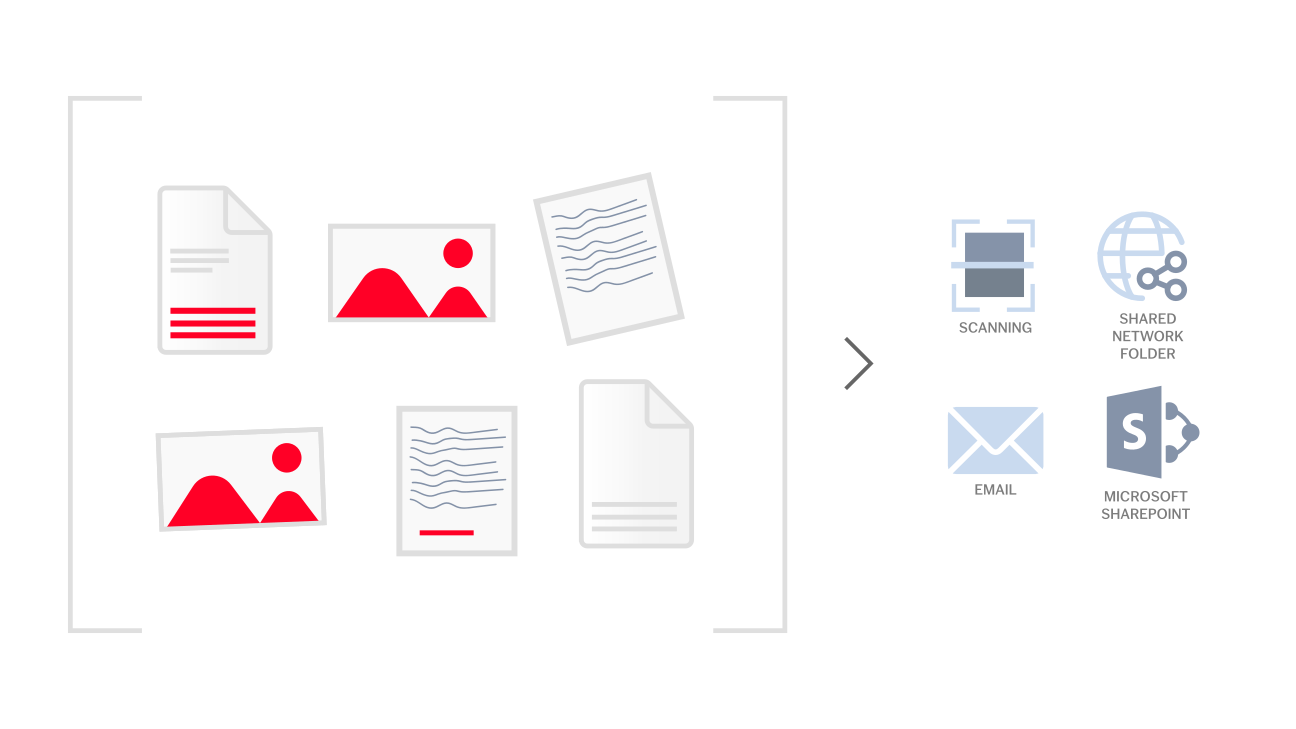
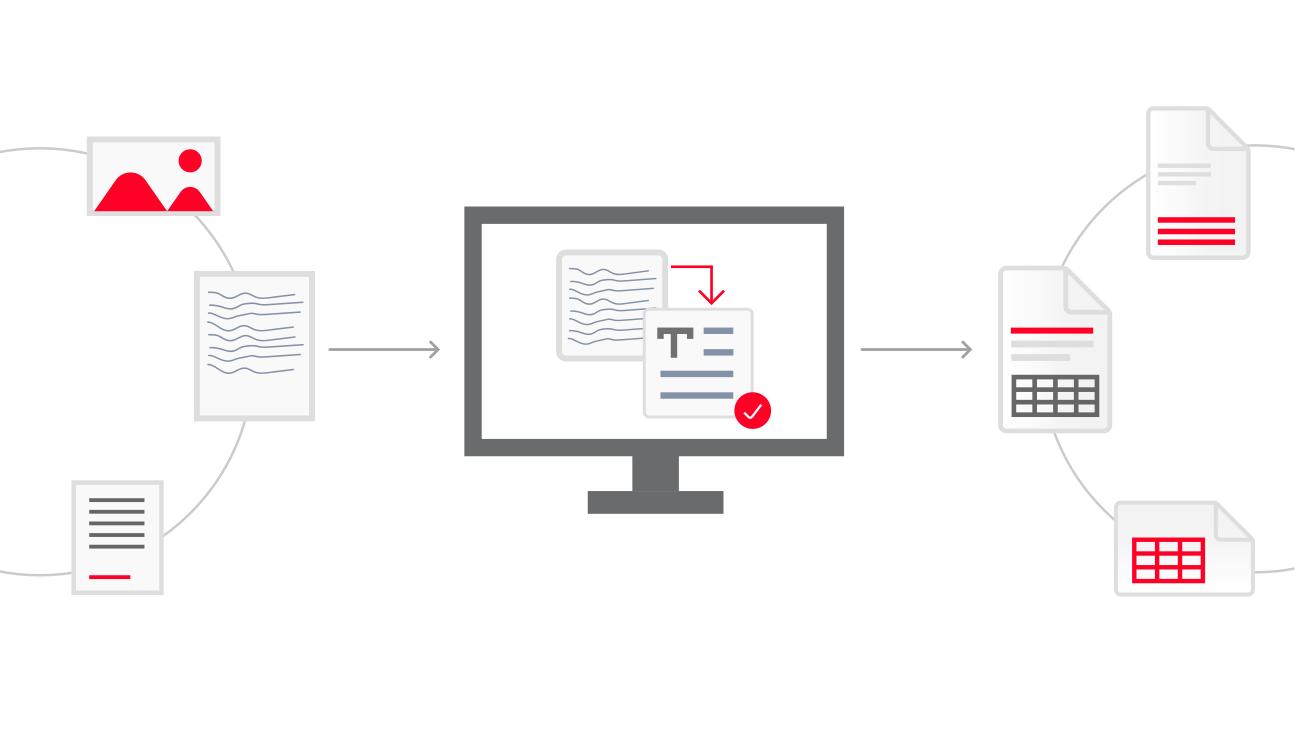
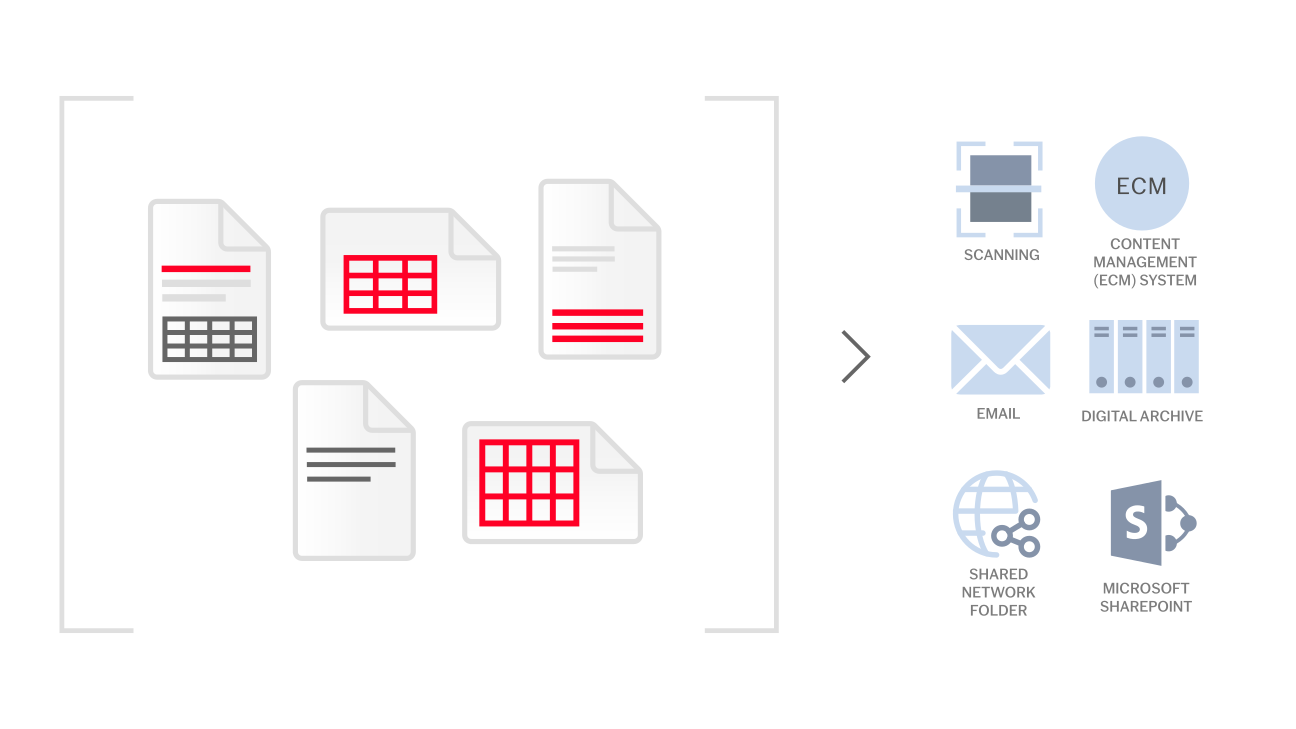




Facilitate compliance with government and corporate regulations by converting large volumes of paper and digital documents into accessible and searchable PDF/A.





ABBYY FineReader Server streamlines document workflows and frees organizations from having to expend significant time, operational resources, costs, or personnel resources that are typically associated with high-volume document processes. In today’s dynamic workforce, efficiency is an indispensable advantage.
Features & Benefits
Designed for high-volume document conversion, ABBYY FineReader Server automatically converts large collections of documents into searchable and accessible digital repositories. This server-based OCR and PDF conversion offering converts scanned and electronic documents into PDF, PDF/A, Microsoft Word, or other formats for search, long-term retention, collaboration, or additional processing – quickly, accurately, and automatically.
Facilitate compliance with government and corporate regulations by converting large volumes of paper and digital documents into accessible and searchable PDF/A.
ABBYY FineReader Server streamlines document workflows and frees organizations from having to expend significant time, operational resources, costs, or personnel resources that are typically associated with high-volume document processes. In today’s dynamic workforce, efficiency is an indispensable advantage.
Overview
Features & Benefits
Designed for high-volume document conversion, ABBYY FineReader Server automatically converts large collections of documents into searchable and accessible digital repositories. This server-based OCR and PDF conversion offering converts scanned and electronic documents into PDF, PDF/A, Microsoft Word, or other formats for search, long-term retention, collaboration, or additional processing – quickly, accurately, and automatically.
Facilitate compliance with government and corporate regulations by converting large volumes of paper and digital documents into accessible and searchable PDF/A.
ABBYY FineReader Server streamlines document workflows and frees organizations from having to expend significant time, operational resources, costs, or personnel resources that are typically associated with high-volume document processes. In today’s dynamic workforce, efficiency is an indispensable advantage.
Schedule a demo and see how ABBYY’s intelligent automation can change the way you work - forever

